Chatbot
The website widget, same inbox.
Chatbots built on the same canvas as your automations: they ask, branch, answer from your knowledge base, and hand off to a person with the whole transcript.
How it works
Start a chatbot from a template or a blank canvas. It greets the visitor, asks what they need, answers from your knowledge base, and routes anything it cannot handle to your team, who reply live from the dashboard.
- Embeddable website widget with buttons and quick replies
- AI replies grounded in your knowledge base
- Live takeover when the bot hands off
 InstallLive
data-workspace="wksp_xyz"></script>
Chats share the inbox and AI credit pool with WhatsApp. Live on Growth and Scale.
Answers from what you already wrote
Paste FAQs, upload policies, or point it at a product page. Starter indexes 5 sources (200K characters), Growth 50 (2M), Scale 200 (10M).
Knowledge baseLiveOne bot, every channel
The same chatbot can start from a website chat, a WhatsApp message, or an Instagram or Messenger DM. WhatsApp, Instagram, and Messenger chatbots run on every paid plan; the website widget is on Growth and Scale.
Live channelsLiveHuman handoff
AI handles the routine. Humans handle the rest.
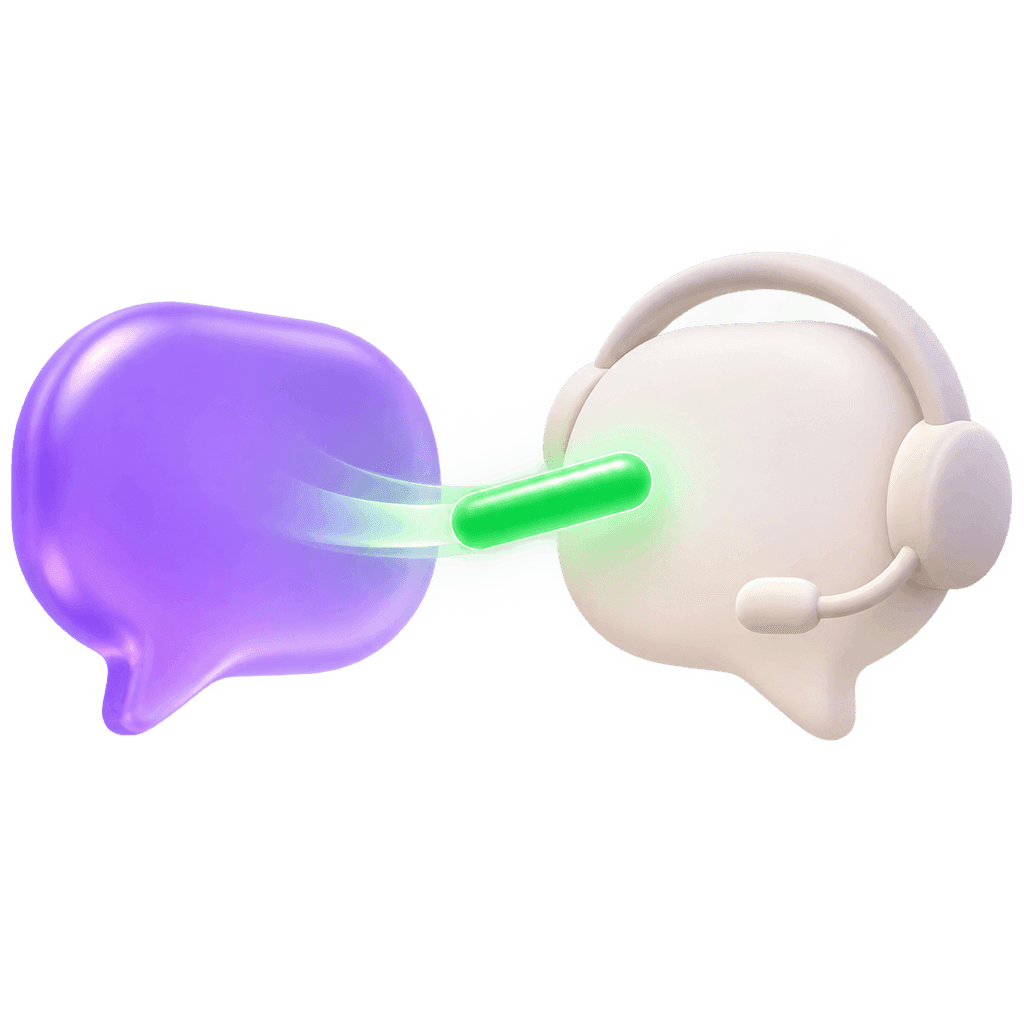
When a conversation needs empathy, judgment, or complexity the AI can't resolve — an agent steps in with the full chat history already loaded.
- 01Customer sends message
Arrives on any channel — WhatsApp, Instagram, email, or chat.
- 02AI responds instantly
Matches query to knowledge base, resolves if possible.
- 03Escalation detected
Unresolved intent or a manual take-over request routes to a human.
- 04Agent takes over
One-click handoff — agent sees full context, types into the same thread.
FAQ
Questions about Chatbot
The workspace is open.
Sign up and connect WhatsApp, Instagram, Messenger, email, or SMS. AI answers in the thread, then a person can take over.
No credit card required on the free plan